Transaction Round-Up Events
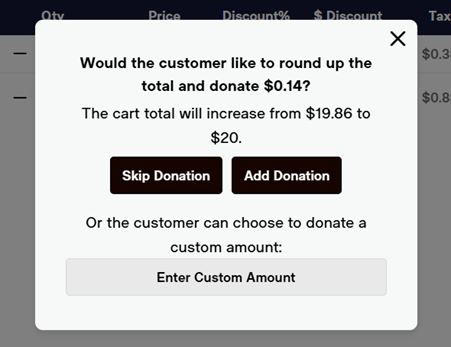
- During round-up events, you will be prompted with a pop-up screen after you select “Checkout” (or either of the 100% options).
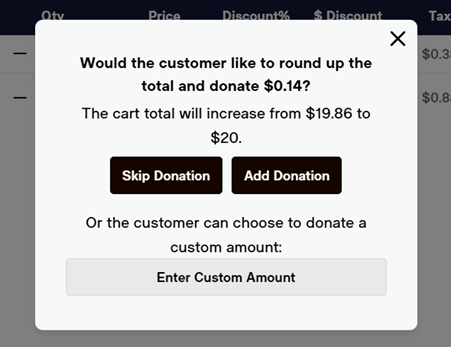
- You will have three options:
- “Skip Donation” which takes you to the payment screen without adding round-up
- “Add Donation” which adds a round-up to the next even dollar
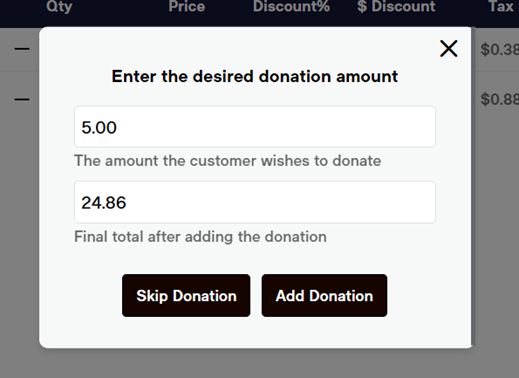
- “Enter Custom Amount” where you can enter any amount the guest wishes.
- Enter the custom amount, and select the “Add Donation” button.