
Transaction Round-Up Events
- During round-up events, you will be prompted with a pop-up screen after you select “Checkout” (or either of the 100% options).
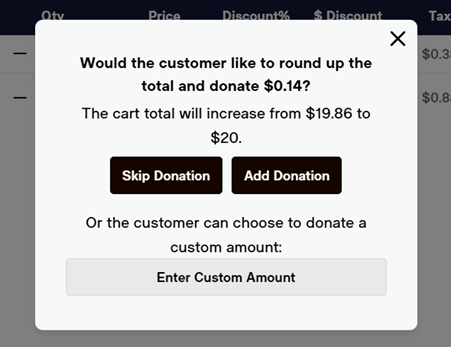
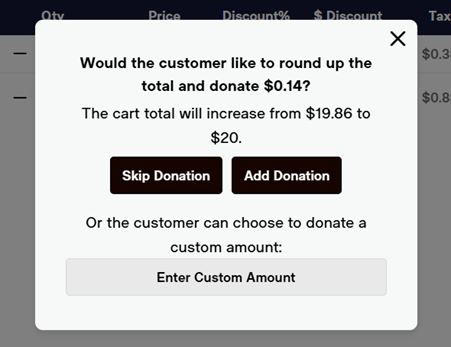
- You will have three options:
- “Skip Donation”
whichtakes you to the payment screen without adding round-upup. - “Add Donation”
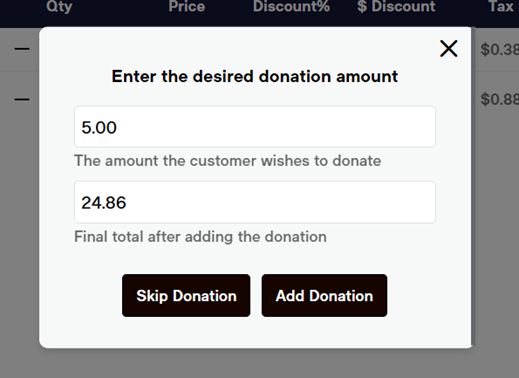
whichadds a round-up to the next evendollardollar. - “Enter Custom Amount” where you can enter any amount the guest wishes.
- Enter the custom amount, and select the “Add Donation” button.
- “Skip Donation”
- Select “Checkout” to complete the transaction.
- The donation amount will be added as a line item in the POS and their receipt so that they can clearly see their donation total separate from their item costs. After confirming a donation, you will need to