Accepting Payment by Credit or Debit Card
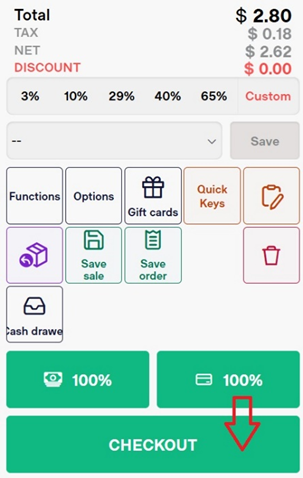
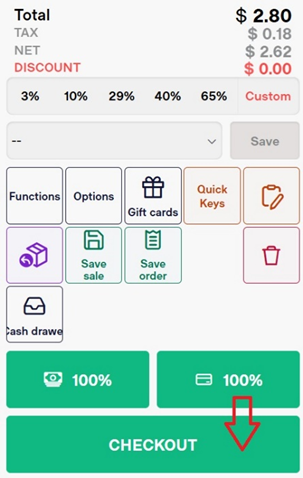
- Select the Checkout button
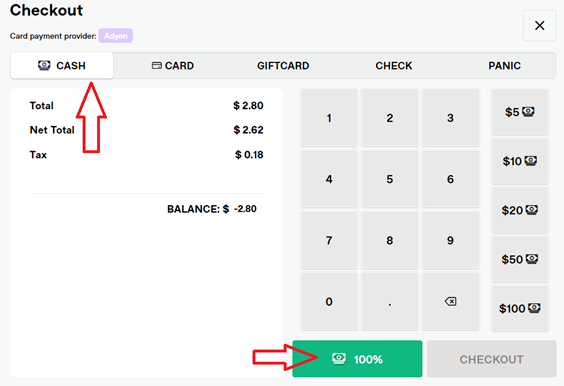
SelectCash.Use the on-screen keypad to enter the amount of cash they are paying with.Once an amount is entered, you will see the change owed on this screen
If the customer is paying in cash and the exact amount, you can click the 100% button.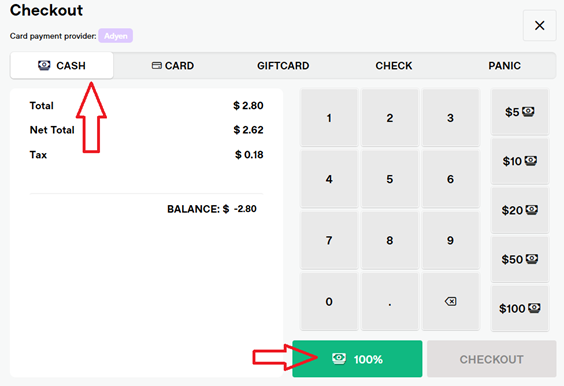
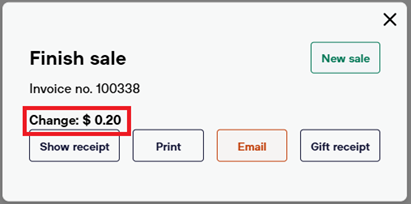
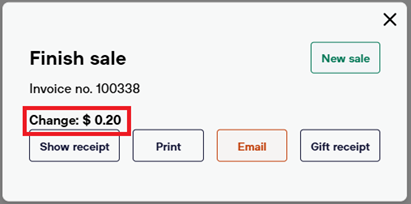
On the Finish Sale screen, select the properreceiptoption (show, print, email, gift)ClickingNew Salereturns you to the POS screen, ready for the next transaction.