
Accepting Payment by Credit or Debit Card
- Select the Checkout button
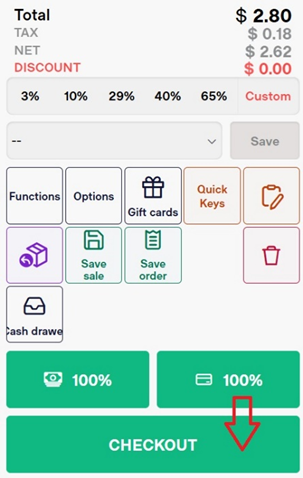
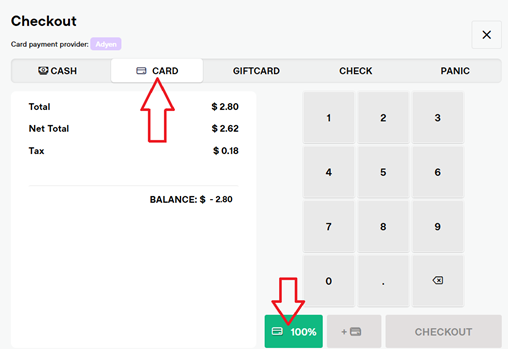
- Select Card
- Select 100% to send the full transaction total to the terminal (card reader)
- Select the proper receipt option (show, print, email, gift)
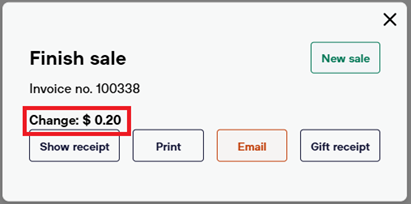
- Select New Sale to return to the POS screen, ready for the next transaction.
Split Payment Between Multiple Cards
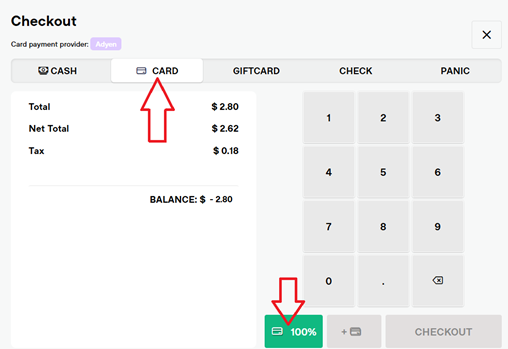
To split the transaction total between multiple cards, follow these steps:
- Select Card
- Enter the dollar amount to charge to the first card.
- Select the Card icon with a plus symbol.
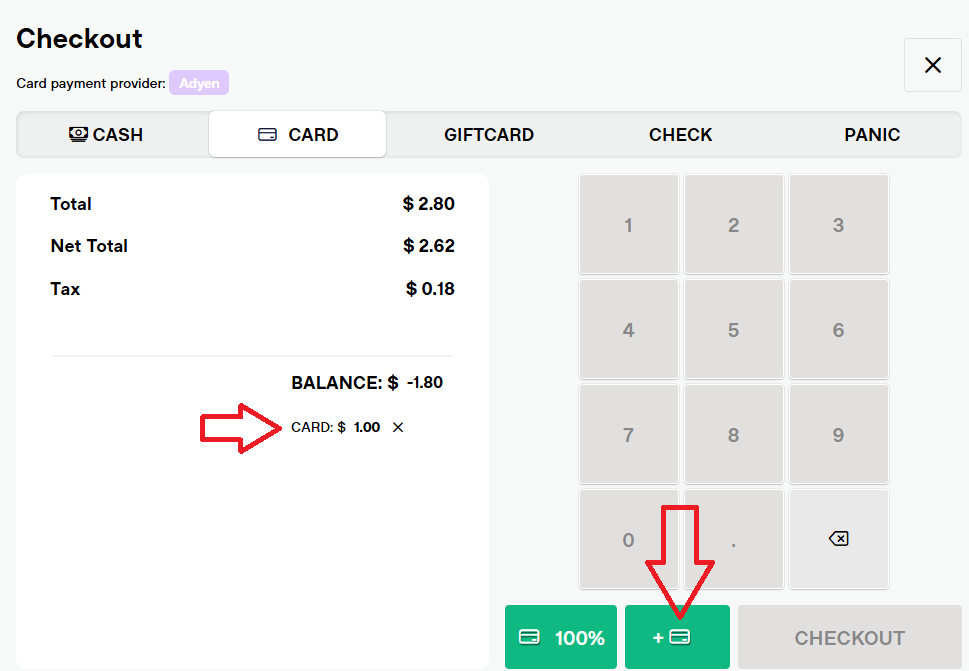
- Enter the dollar amount to charge to the second card (or third, fourth, etc.)
- Select Checkout to send all charges to the terminal at once, processed back-to-back.