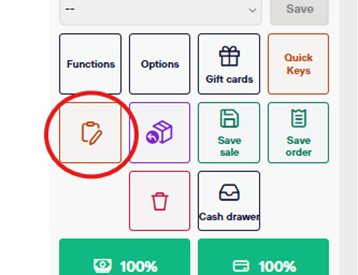
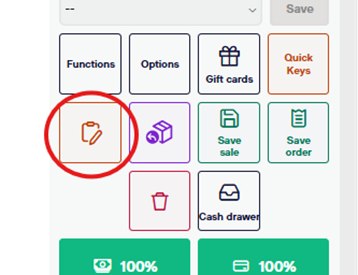
At any point during a sales transaction, you can select the small clipboard icon in the bottom right(under the “Functions”button)
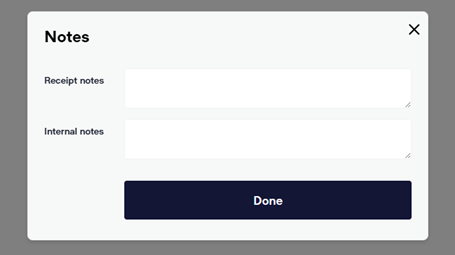
This presents you with two options. The first, Receipt Notes, CAN be seen by the guest on their receipt (however they choose to receive it).
The second, Internal Notes, cannot be seen by the guest but should be professional.
This function will be used when recording any specific information that may be helpful in the future if the transaction was unusual or you think you may need to find it later (think strange accounting situations). These notes are only visible when the receipt is retrieved in the back office.