Skip to main content
Ringing up a Sale
Add product to transaction by using a barcode scanner:(9)
- While on the main POS screen, scan an item’s barcode to add it to the POS. (Note that there is no barcode field like in Stratus. If you are on the main POS screen, scanning with a scanner should add the item to the POS.)
- The most recent item scanned appears at the TOP of the screen

Manually enter barcode information when the barcode is “unscannable”: (10)
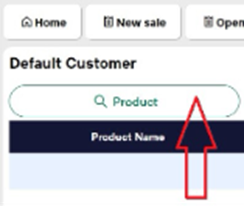
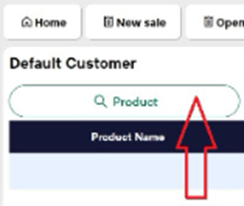
- Select the Product button within Erply POS.
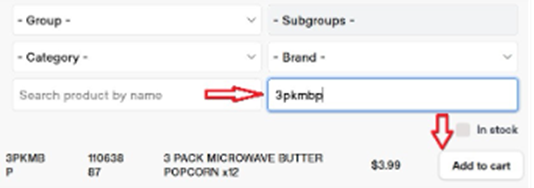
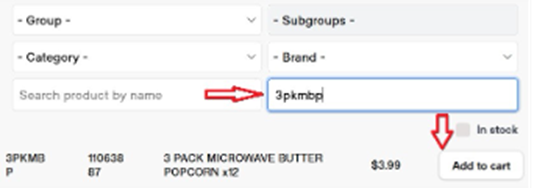
- Manually enter the Style Number OR Barcode into the “Search Product by Code” field.
- The system will automatically display the product details, and you can click “add to cart” once you have found the desired item. If you type the exact barcode, the item will automatically be added to the POS screen.